How to Rank Your Business Website on Google: A Beginner’s Guide for Business Owners
9/11/2026
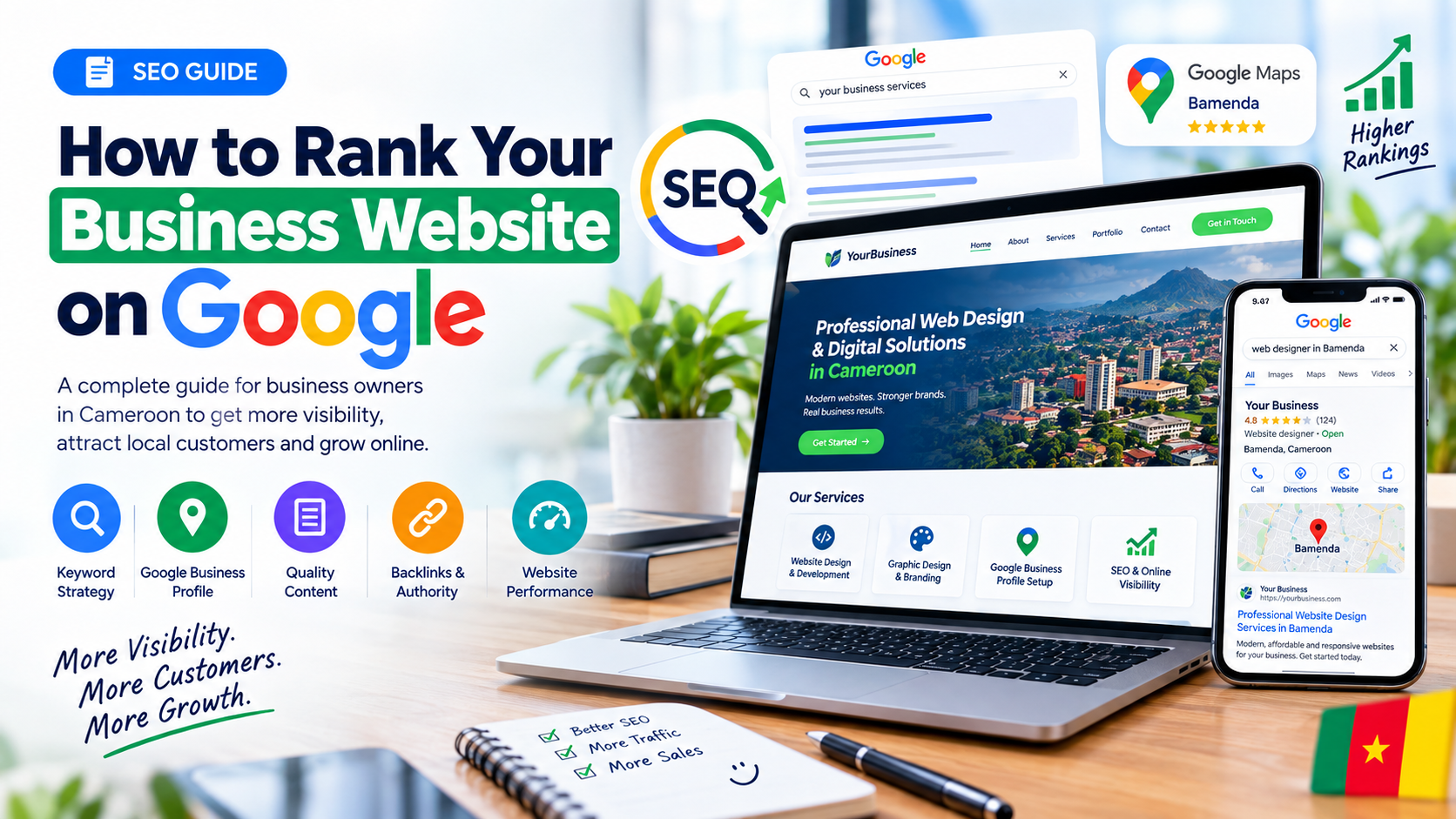
HOW TO RANK YOUR BUSINESS WEBSITE ON GOOGLE
If you own a business, having a website is no longer enough.
Your potential customers need to be able to find you when they search for the products or services you offer on Google.
For example, imagine you own a barber shop in Bamenda.
Someone searches:
"barber shop in Bamenda"
If your website appears near the top of Google, that person could visit your website, see your services, contact you on WhatsApp, or book an appointment.
But if your website is buried on page 5, you may receive very little traffic from Google.
This is where SEO comes in.
SEO, or Search Engine Optimization, is the process of improving your website so that search engines can better understand your business and show your pages to people searching for what you offer.
In this guide, you will learn how to improve your website's Google ranking as a business owner, especially if you are targeting customers in Cameroon.
WHY DOES GOOGLE RANK SOME WEBSITES HIGHER THAN OTHERS?
Google doesn't simply rank websites because they exist.
It tries to provide users with the most useful and relevant results for their searches.
For local businesses, Google says local search rankings are mainly influenced by three factors:
Relevance
Distance
Prominence
Relevance means how closely your business matches what the person is searching for.
Distance considers how close your business is to the searcher or the location specified in the search.
Prominence refers to how well-known and established your business is, including signals such as reviews, links and information about your business across the web.
Therefore, ranking on Google is not about finding one secret trick.
It is about building a website and online presence that clearly tells Google what your business does and why it is useful to customers.
STEP 1: CREATE A PROFESSIONAL BUSINESS WEBSITE
Your website is the foundation of your online presence.
A good business website should clearly explain:
What your business does
What products or services you offer
Where you operate
How customers can contact you
Why customers should choose you
Your website should also work properly on mobile phones because many customers will discover businesses through their smartphones.
At minimum, your website should have:
A homepage
An About page
A Services or Products page
A Contact page
Clear contact information
Links to your social media accounts
A clear call-to-action
For example, instead of simply writing:
"Welcome to our company."
Write something more specific:
"Professional Website Design Services in Bamenda, Cameroon."
This immediately gives both visitors and search engines more context about your business.
STEP 2: CHOOSE THE RIGHT KEYWORDS
Keywords are the words and phrases people type into Google when looking for something.
For example:
"web designer in Bamenda"
"barber shop in Bamenda"
"best restaurant in Bamenda"
"graphic designer Cameroon"
"computer repair Bamenda"
"interior decorator Cameroon"
Your goal is not to put the same keyword everywhere.
Instead, identify the searches your potential customers are likely to make and create useful content around those topics.
Think like your customer.
Ask yourself:
What would someone type into Google if they needed my service?
STEP 3: TARGET YOUR LOCATION
If you serve a specific city or region, make your location clear on your website.
For example, a business in Bamenda could naturally mention:
Bamenda, Cameroon
North West Region
Services available in Bamenda
Service areas around Bamenda
However, don't fill your website with repetitive keywords such as:
"Web designer Bamenda, web designer Bamenda, website designer Bamenda, best web designer Bamenda."
This creates a poor reading experience.
Use location information naturally where it actually helps customers.
STEP 4: CREATE A SEPARATE PAGE FOR IMPORTANT SERVICES
One common mistake business owners make is putting every service on one page.
For example:
Website Design Graphic Design Google Business Profile Logo Design Video Editing E-commerce Development
Instead of explaining everything on one huge page, consider creating dedicated pages for important services.
For example:
/website-design
/graphic-design
/google-business-profile
/ecommerce-development
Each page can explain the service, answer customer questions, show examples of your work and provide a clear way to contact you.
This also helps Google understand exactly what each page is about.
STEP 5: OPTIMIZE YOUR PAGE TITLES
Your page title is one of the first things users may see in Google.
Instead of:
Home
use something more descriptive such as:
Professional Website Design Services in Bamenda | Your Business Name
Instead of:
Services
use:
Website Design, E-commerce & Google Business Services | Your Business Name
Your title should describe the page accurately rather than simply trying to insert as many keywords as possible.
STEP 6: WRITE USEFUL CONTENT
One of the best ways to build long-term search visibility is to publish useful content.
Don't create articles just because you want more pages on your website.
Create articles that answer questions your customers actually have.
For example, a web development company could publish:
How Much Does a Website Cost in Cameroon?
How to Accept MTN Mobile Money on Your Website
How to Create a Google Business Profile in Cameroon
How to Make Your Business Appear on Google Maps
How to Choose a Domain Name for Your Business
How to Start Selling Products Online in Cameroon
These articles can attract people who are already searching for information related to your services.
STEP 7: CREATE A GOOGLE BUSINESS PROFILE
If you operate a local business, your Google Business Profile is extremely important.
It can help your business appear in Google Search and Google Maps when people search for relevant local businesses.
Google recommends verifying your Business Profile and keeping your business information complete and accurate. 1
Make sure your profile includes accurate information such as:
Business name
Correct business category
Phone number
Website
Opening hours
Business description
Services
Photos
Location or service area
Don't create fake business information simply to rank for more locations.
Use the information that accurately represents your real business.
STEP 8: GET REAL CUSTOMER REVIEWS
Reviews can help customers decide whether they should trust your business.
They can also contribute to your local search presence.
After completing a genuine job for a customer, you can politely ask them to leave an honest review about their experience.
For example:
"Thank you for choosing us. If you were happy with our service, we'd appreciate an honest Google review."
Don't buy fake reviews.
Don't create fake customer accounts.
Don't ask people to write reviews for services they never received.
Focus on delivering good service and collecting genuine feedback.
STEP 9: RESPOND TO YOUR REVIEWS
Getting reviews isn't the end.
Respond to them professionally.
For a positive review:
"Thank you for choosing us. We really appreciate your feedback."
For a negative review:
"Thank you for sharing your experience. We're sorry that your experience did not meet expectations. Please contact us so we can understand what happened and work toward resolving the issue."
Google specifically recommends responding to reviews as part of managing your Business Profile. 2
STEP 10: ADD HIGH-QUALITY PHOTOS
Photos can help customers understand your business before contacting you.
Depending on your business, you could upload:
Products
Storefront
Office
Team
Completed projects
Before-and-after work
Equipment
Services
Professional photos
For example, if you're a barber, show real examples of your work.
If you're a restaurant, show your food and environment.
If you're a web designer, show screenshots of websites you've actually created.
Keep your images relevant and authentic.
STEP 11: MAKE YOUR WEBSITE FAST
Nobody likes waiting for a slow website.
A slow website can create a poor experience, especially for people using mobile data or slower connections.
Improve your website performance by:
Compressing large images
Removing unnecessary scripts
Using modern image formats where appropriate
Reducing unnecessary animations
Using efficient hosting
Keeping your website code clean
Testing your website on mobile devices
Your goal should be to make your website easy and fast to use.
STEP 12: MAKE YOUR WEBSITE MOBILE-FRIENDLY
A website that looks great on a laptop but terrible on a phone is a problem.
Test your website on:
Android phones
iPhones
Tablets
Desktop computers
Check that:
Text is readable
Buttons are easy to tap
Images fit the screen
Menus work correctly
Forms work properly
Customers don't need to zoom in to read your content
This is especially important for businesses targeting customers in Cameroon because many potential customers will discover your business using mobile devices.
STEP 13: ADD YOUR BUSINESS INFORMATION CLEARLY
Make it easy for customers and search engines to understand who you are.
Your website should clearly display information such as:
Business name
Phone number
Email address
Location
Opening hours
Services
Social media accounts
Your business information should also be consistent across important online profiles and directories.
For example, avoid having one phone number on your website and a completely different number on your Google Business Profile unless there is a legitimate reason.
STEP 14: BUILD QUALITY LINKS
A backlink is a link from another website to your website.
For example, a local news website writes an article about your business and links to your website.
Or a business directory lists your company and links to your website.
These types of references can help Google discover and understand your website.
Focus on earning relevant and trustworthy links instead of buying large numbers of low-quality links.
Good opportunities may include:
Local business directories
Industry websites
Local news websites
Business associations
Partnerships
Community organizations
Guest articles on relevant websites
The goal is quality and relevance, not simply collecting hundreds of links.
STEP 15: CREATE LOCAL CONTENT
If your business serves a particular city, create content that is genuinely useful to people in that area.
For example, a web development company in Bamenda could publish:
How Businesses in Bamenda Can Sell Online
Why Every Bamenda Business Needs a Website
How to Put Your Business on Google Maps in Cameroon
Website Design Services for Small Businesses in Cameroon
The Best Website Features for Cameroonian Businesses
This helps you build topical relevance around your market.
STEP 16: USE INTERNAL LINKS
Internal links connect one page of your website to another.
For example, this article could link to your:
Website Design page
Google Business Profile service
E-commerce development page
Contact page
Imagine someone reading your article about Google SEO.
You could naturally write:
"If you need help creating a professional business website, check out our website development service."
Then link that text to your service page.
Internal linking helps visitors discover more of your content and helps search engines understand the relationship between your pages.
STEP 17: USE CLEAR HEADINGS
Organize your content using headings.
For example:
H1: How to Rank Your Business Website on Google
H2: Why Google Ranks Some Websites Higher
H2: How to Choose the Right Keywords
H2: How to Optimize Your Google Business Profile
H2: How to Get Customer Reviews
H2: How to Improve Website Speed
H2: How to Build Local Backlinks
This makes your content easier to scan and understand.
STEP 18: ADD STRUCTURED DATA WHERE APPROPRIATE
Structured data is a standardized way of providing information about a webpage to search engines.
For local businesses, Google provides documentation for LocalBusiness structured data, which can help Google understand information such as business details and opening hours. 3
Depending on your website, you may also use other appropriate structured data types.
However, don't add structured data simply because you think it will automatically make your website rank first.
It is one part of a larger SEO strategy.
STEP 19: CONNECT GOOGLE SEARCH CONSOLE
Google Search Console is a useful tool for website owners.
It can help you understand how your website performs in Google Search and identify technical issues.
After launching your website, connect it to Google Search Console and monitor:
Search queries
Clicks
Impressions
Pages appearing in Google
Indexing issues
Search performance
This helps you understand what people are actually searching for and which pages are getting visibility.
STEP 20: DON'T EXPECT RESULTS OVERNIGHT
SEO is not a magic button.
You might publish an article today and not see significant traffic tomorrow.
Your website has to build relevance, quality and authority over time.
Your competitors are also improving their websites.
Google's search systems can change.
Search behavior can change.
New businesses can enter your market.
That is why SEO should be treated as an ongoing process rather than a one-time task.
A SIMPLE SEO PLAN FOR BUSINESS OWNERS
If SEO feels complicated, start with this simple checklist.
WEEK 1
Create or improve your website.
Make sure your business name, services, location and contact details are clear.
WEEK 2
Create or optimize your Google Business Profile.
Verify the profile and add accurate business information, services, photos and hours.
WEEK 3
Create useful service pages.
Create one strong page for each important service you offer.
WEEK 4
Publish useful content.
Write articles that answer questions your potential customers are searching for.
EVERY MONTH
Add useful content.
Update important business information.
Collect genuine customer reviews.
Respond to reviews.
Add relevant photos.
Check your website performance.
Review your Google Search Console data.
THE BIGGEST SEO MISTAKES TO AVOID
Don't buy fake reviews.
Don't stuff keywords into every sentence.
Don't create hundreds of low-quality pages.
Don't copy content from other websites.
Don't hide keywords on your pages.
Don't create fake business locations.
Don't buy thousands of suspicious backlinks.
Don't promise customers that you can guarantee a #1 Google ranking.
Google itself states that there is no way to request or pay for a better local ranking. 4
FOCUS ON CUSTOMERS FIRST
One of the most important SEO lessons is simple:
Don't build your website only for Google.
Build it for your customers.
If a customer visits your website, they should quickly understand:
What you offer.
Who you serve.
Where you operate.
Why they should trust you.
How much your service costs, where appropriate.
How to contact you.
A website that genuinely helps customers has a much stronger foundation than a website filled with keywords but offering little useful information.
FINAL THOUGHTS
Ranking your business website on Google isn't about discovering one secret SEO trick.
It's about consistently building a trustworthy and useful online presence.
Start with a professional website.
Choose relevant keywords.
Create useful service pages.
Publish helpful content.
Optimize your Google Business Profile.
Collect genuine reviews.
Improve your website speed and mobile experience.
Build relevant links.
Monitor your performance.
Most importantly, be patient.
SEO takes time, but the work you do today can continue bringing potential customers to your business long after you publish your website or article.
If you're a business owner in Cameroon, don't just build a website and wait for customers to find it.
Build a website that Google can understand and your customers actually want to use.
That is the foundation of sustainable SEO.
Your competitors are already online. Let's put you ahead of them.