How to Get Your Business on Google Maps in Cameroon (Step-by-Step Guide 2026)
9/2/2026
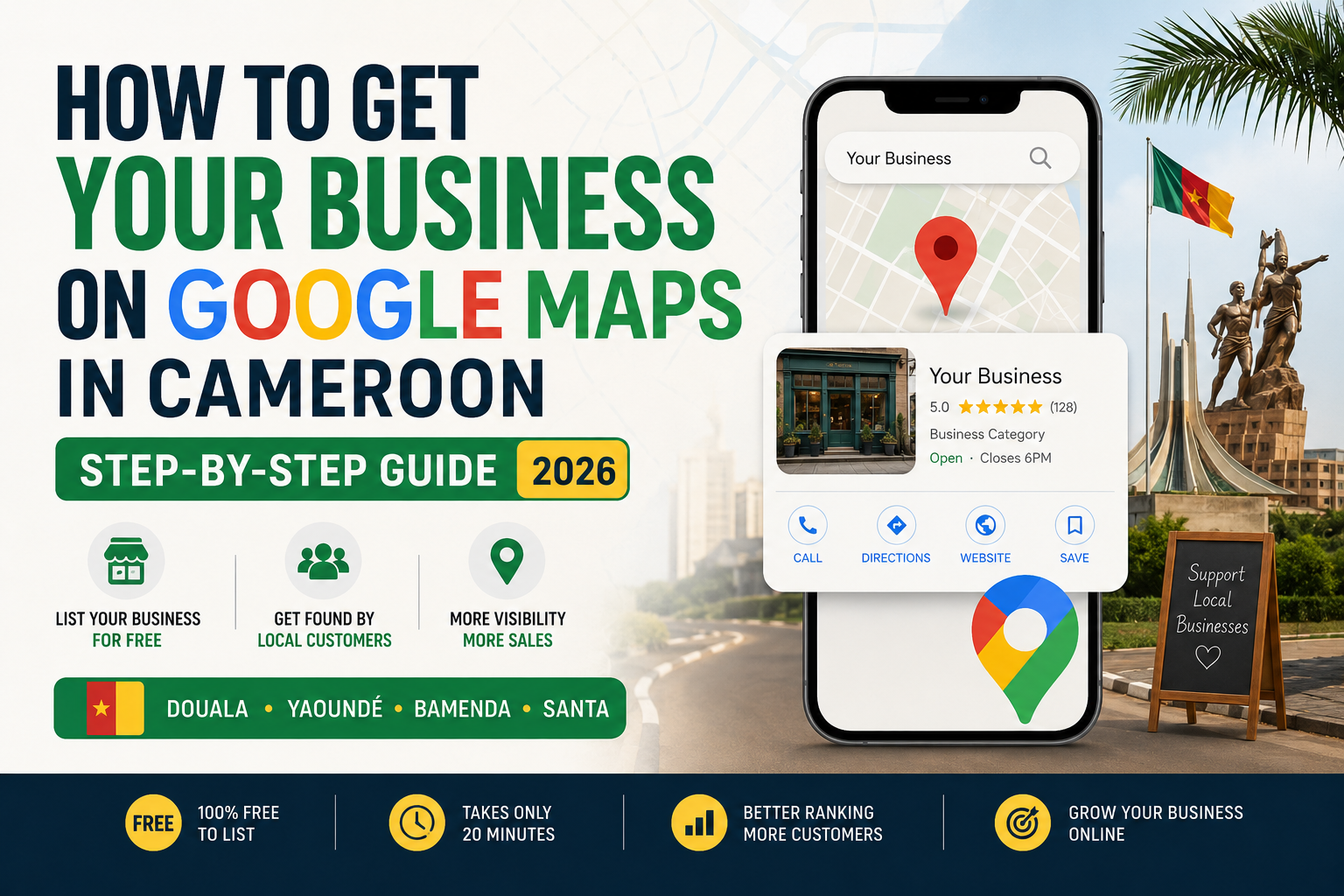
If you search for your own business name on Google right now and nothing comes up on the map, you're invisible to a huge number of potential customers. Across Cameroon — in Douala, Yaoundé, Bamenda, Buea, Bafoussam, Limbe, and beyond — more people are using Google to find shops, restaurants, salons, and services near them before they ever ask a friend for a recommendation. If you're not on the map, you don't exist to them. The good news: getting your business on Google Maps is completely free, and you can do it yourself in about 20 minutes. Here's exactly how. Step 1: Create a Google Account (if you don't have one) You'll need a Gmail account to manage your business listing. If your business already has one, use that so multiple staff can log in later if needed. Step 2: Go to Google Business Profile Search "Google Business Profile" or go directly to google.com/business. Click "Manage now" and sign in with your Google account. Step 3: Enter Your Business Name Exactly Use your real, legal business name — not keywords stuffed in like "Best Phone Repair Douala Cheap." Google penalizes this, and it can get your listing suspended. Step 4: Choose Your Business Category This is one of the most important steps. Pick the most accurate category (e.g., "Hair Salon," "Electronics Repair Shop," "Restaurant"). This determines which searches you show up for, so don't rush it. Step 5: Add Your Location If customers visit your business physically, add your exact address or drop a pin on the map. If you deliver or serve customers at their location instead — common for many service businesses in Cameroon — you can hide your address and set a service area instead. Step 6: Add Your Contact Details Add your phone number and, if you have one, your website. If you don't have a website yet, this is exactly the gap a simple one-page site can fill — it gives your listing somewhere to send serious customers. Step 7: Verify Your Business Google needs to confirm your business is real. In Cameroon, this is usually done by: Phone verification (a text or call with a code) Video verification (recording your storefront and surroundings) Postcard by mail (slower, less common here) This step is often where people get stuck or delayed — it's the main reason GBP setup can take a few extra days regardless of which city you're in. Step 8: Add Photos Listings with photos get far more clicks and calls than listings without. Add clear photos of your storefront, products, and team. Avoid blurry or dark images — they hurt trust more than having no photo at all. Step 9: Set Your Business Hours Keep these accurate and update them for holidays. Nothing frustrates a customer more than showing up to a "closed" business that Google said was open. Step 10: Start Collecting Reviews Once verified, ask happy customers to leave a review. Listings with several genuine 5-star reviews consistently outrank listings with none — this is one of the biggest ranking factors Google uses for local search, whether you're in a major city or a smaller town. Common Mistakes to Avoid Using a fake or shared address for multiple businesses Choosing the wrong category to try to "rank for everything" Ignoring or never responding to reviews Leaving the profile incomplete (no photos, no hours, no description) Why This Matters More Than Ever Across Cameroon Smartphone use and mobile data access are growing fast nationwide, and Google Search is often the first place people look before choosing where to spend money — regardless of whether they're in a major city or a smaller town. A complete, verified Google Business Profile costs nothing but puts your business exactly where customers are already looking. Frequently Asked Questions Is Google Business Profile really free in Cameroon? Yes. Creating and managing a Google Business Profile costs nothing, no matter where your business is located in Cameroon. Google makes money through ads elsewhere, not by charging businesses for basic listings. How long does verification take? Phone or video verification is usually the fastest, often completed within a few days. Postcard verification by mail can take two weeks or longer and is less reliable in many parts of Cameroon, so phone or video verification is strongly recommended when available. Can I list a business that doesn't have a physical shop? Yes. If you run a delivery service, work from home, or travel to clients, you can set a service area instead of a public address during setup. Do I need a website to be on Google Maps? No, a website isn't required to create a listing. However, having one gives customers somewhere to learn more, see your full catalog, or contact you — and it tends to increase trust and click-through rates significantly. What happens if my business gets suspended on Google? Suspensions usually happen due to keyword-stuffed business names, fake addresses, or multiple listings for the same location. Following Google's guidelines closely from the start — using your real business name and one accurate address — avoids this almost entirely. Can someone else set this up for me? Yes. If the process feels time-consuming or you want it done right the first time, agencies like Elizeh Digital handle the entire setup — from category selection to verification to review generation — for businesses across Cameroon. If setting this up yourself feels overwhelming, or you'd rather have it done correctly the first time — with the right category, keywords, and verification handled for you — we set up Google Business Profiles for businesses across Cameroon at Elizeh Digital. Reach out and we'll get your business found on Google, properly, from day one
Your competitors are already online. Let's put you ahead of them.